Door To Mystery (Dungeon)

Updated: Mar 5, 2022


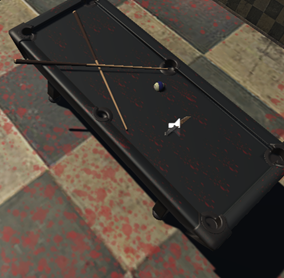
Created 3D game Door to Mystery with almost 4 levels. One of the level is this. Created few assets and downloaded dew from unity asset store.
1. I drew the top down level in illustrator and them imported it in to unity.

1. Then used ProBuilder to make the layout of the dungeon. I used ProBuilder the same way used above.
2. (Unit 75:P5)Once this was done I made few assets in Maya(pipe) and downloaded few from asset store. Installed few assets and made few assets in maya. And imported it in to unity. Then I used all these asset to build my level which is the coffee shop.
3. I also made a small tunnel in the dungeon which will lead out of the dungeon. This is made by using a pipe And downloaded few assets from unity.
4. Then I made the dungeon look dark using the above lighting tutorial. I just simply went on the lighting tab and changed the source of lighting from skybox to colour. The colour was kept black. The whole level looks black
3. To make things visible I used spot lights in my scene. I had red spotlight near the skeleton and yellow near the tunnel. I also, added a torch which the player can turn on and off. The torch has white light and it gives better view when its turned on. I used following tutorial to make my torch work in unity.


Comments